

Table of Contents
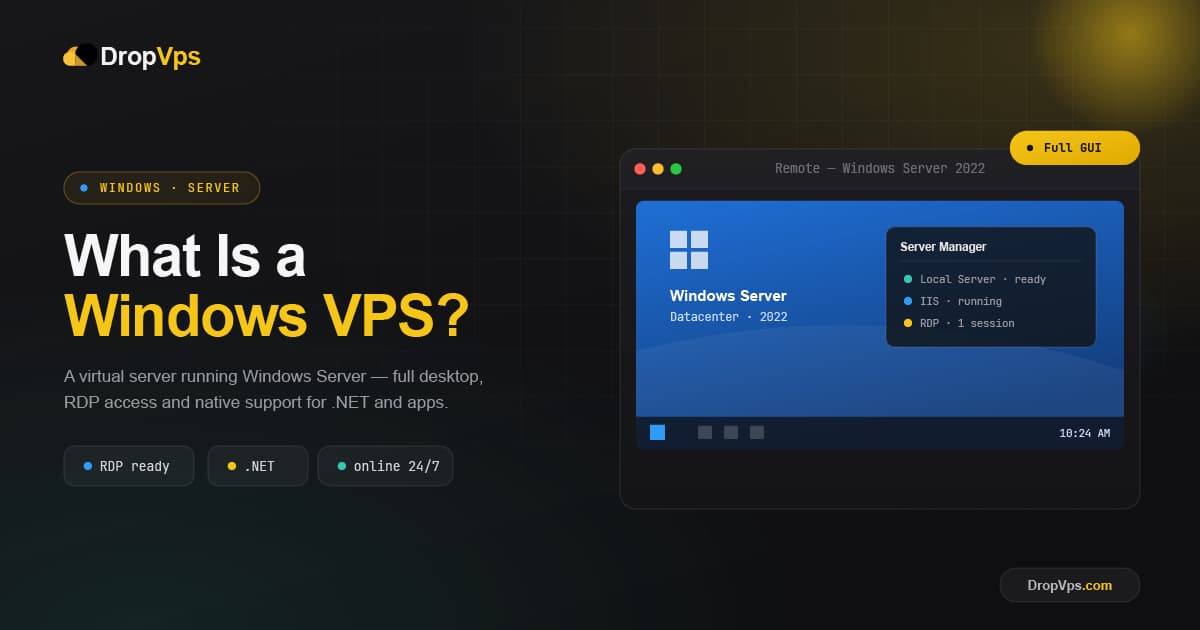
A Windows VPS is a Virtual Private Server that runs the Windows operating system, usually Windows Server. It gives you your own private, isolated server with dedicated CPU, RAM, and storage, plus a full graphical Windows desktop that you control remotely over RDP (Remote Desktop). In short, it feels exactly like using a Windows PC, except it lives in a data center and stays online 24/7.
What Is a Windows VPS?
A Windows VPS is created when a provider splits one physical server into several independent virtual servers and installs Windows on yours. Your VPS is isolated, with its own reserved resources and settings, even though the underlying hardware is shared with other users.
Picture an apartment in a shared building: the building (physical server) is shared, but your apartment (your VPS) is private and locked. The difference with a Windows VPS is what is inside: a full Windows desktop environment you reach from anywhere, instead of a command-line Linux system.
How Does a Windows VPS Work?
Like any VPS, a Windows VPS relies on virtualization. A hypervisor divides the physical server's hardware into separate compartments, each with its own reserved CPU, memory, storage, and IP address. Your compartment runs Windows Server with administrator access.
Because Windows includes a graphical desktop, you do not need to learn the command line. You simply connect to the server's desktop using the Remote Desktop Protocol and work with windows, menus, and a mouse, just like a local Windows computer.
How You Connect to a Windows VPS
You access a Windows VPS through RDP using the Remote Desktop Connection app, which is built into every copy of Windows. To open it, use:
Start → Remote Desktop ConnectionOr open the Run box and launch it directly:
Windows key + R → type: mstsc → EnterThen enter your VPS details and connect:
Computer: your-server-ip
User name: Administrator
→ Connect
On a Mac, iPhone, or Android device, you connect with the free official Windows App (formerly Microsoft Remote Desktop) instead.
Key Benefits of a Windows VPS
- Familiar graphical desktop: No command line required. If you can use Windows, you can use a Windows VPS.
- Runs Windows-only software: Ideal for MS SQL Server, ASP.NET, IIS, the .NET framework, and many desktop business apps.
- Remote access from anywhere: Reach your full desktop and applications from any device over RDP.
- Always online: Your apps keep running 24/7 in the data center, even when your own computer is off.
- Dedicated resources and isolation: Reserved CPU and RAM mean stable, consistent performance.
Windows VPS vs Linux VPS
The core difference is the operating system. A Windows VPS offers a graphical desktop and runs Windows-specific software, making it the right pick for .NET apps, MS SQL Server, and Windows desktop tools. A Linux VPS is managed mostly through the command line, costs less (no OS license), and is the standard for general web hosting and development.
| Feature | Windows VPS | Linux VPS |
|---|---|---|
| Interface | Graphical desktop | Command line |
| Access method | RDP (Remote Desktop) | SSH |
| Cost | Higher (license included) | Lower (free OS) |
| Best for | .NET, MS SQL, Windows apps, forex | Web hosting, apps, developers |
Choose a Windows VPS when your software or workflow specifically needs Windows; otherwise a Linux VPS is usually cheaper and lighter.
Related Guide
Linux VPS Hosting ExplainedComparing your options? See where a Linux VPS is the faster, lower-cost choice.
What Is a Windows VPS Used For?
- Running Windows desktop applications such as Office, accounting tools, and CRMs from anywhere.
- Hosting .NET and ASP.NET web apps on IIS with full Visual Studio compatibility.
- Running MS SQL Server databases with dedicated CPU and RAM.
- Remote work and a 24/7 desktop you can reach from any device.
- Forex and automated trading: a Forex VPS keeps MetaTrader and trading bots running non-stop with low latency, even when your PC is off.
Managed vs Unmanaged Windows VPS
A managed Windows VPS means the provider handles setup, Windows updates, security, and maintenance for you. An unmanaged Windows VPS gives you full control while leaving server administration in your hands. Pick managed for convenience and peace of mind, or unmanaged for maximum control at a lower price.
Closing Thoughts
A Windows VPS brings the familiar Windows desktop to a private, always-on server you can reach from anywhere. It is the natural choice when you rely on Windows-specific software or simply prefer a graphical interface. And with RDP built into Windows, connecting takes just a few clicks.

Follow DropVPS on Google
Add DropVPS as a preferred source to see our latest VPS guides and tutorials surfaced first in Google Search and AI Overviews.
Need Remote Desktop Access?
DropVPS Admin RDP lets you access a full Windows desktop from anywhere — high-speed connection, dedicated IP, and instant deployment.
- Windows Desktop
- Dedicated IP
- High-Speed RDP
- Instant Setup
No commitment · Cancel anytime