Cooper Reagan
539 posts

How to Fix Services That Fail After Server Reboot
Services that fail after a reboot usually indicate configuration issues, missing dependencies, or incorrect systemd settings. This problem is common on VPS servers running Docker, web servers, or custom apps.
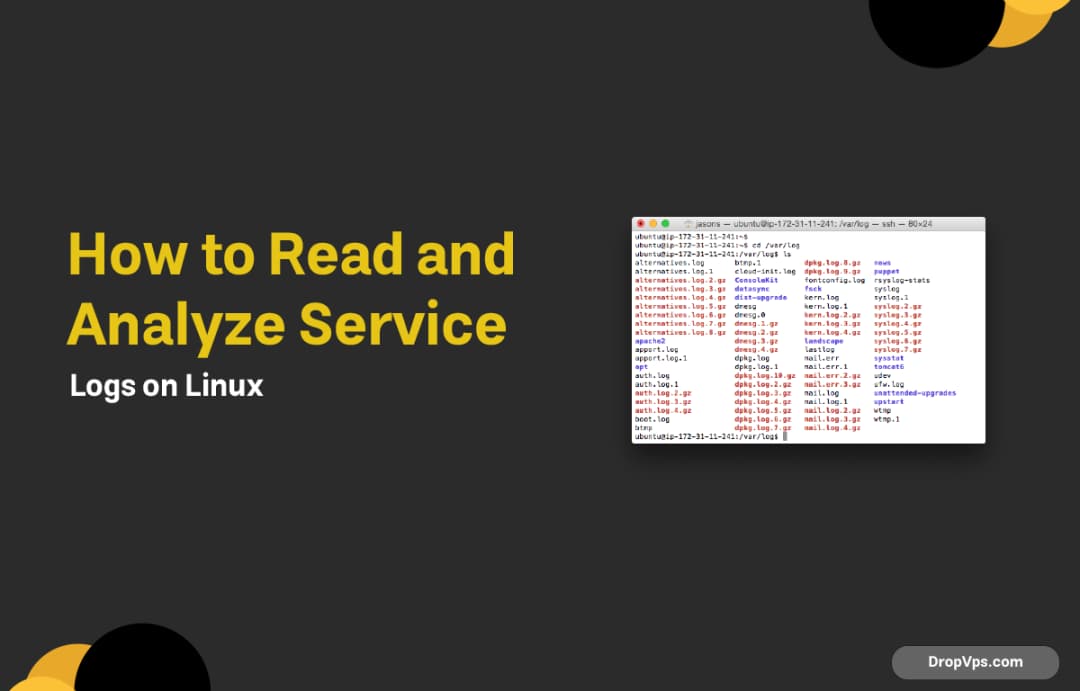
How to Read and Analyze Service Logs on Linux
Service logs are the fastest way to understand why an application fails, crashes, or behaves unexpectedly on a Linux VPS.

How to Restart, Stop, and Debug Services with systemctl
systemctl is the main tool for managing services on modern Linux servers. It allows you to control services, check their status, and debug failures without rebooting the VPS.

Change Default Ports for Common Services (SSH, Nginx, MySQL)
Changing default service ports reduces automated attacks and avoids conflicts when running multiple services on a VPS.

Run Multiple Services on the Same Port Using a Reverse Proxy
A reverse proxy allows multiple services to share the same port by routing incoming requests based on domain or path. This is commonly used with web apps, APIs, and Docker containers on a VPS.
How to Fix Port Already in Use Error on Linux
The port already in use error happens when another process is already listening on the same port. This commonly affects web servers, Docker containers, and application services on a VPS.

How to Block Suspicious Traffic on a VPS Using iptables
Blocking suspicious traffic protects your VPS from brute-force attacks, port scans, and unwanted access attempts.

How to Limit Bandwidth Per Port or IP on Ubuntu 25.04
Limiting bandwidth per IP or port helps prevent abuse, control resource usage, and keep services stable on a VPS.

How to Monitor Network Traffic on a Linux VPS
Monitoring network traffic helps you understand bandwidth usage, detect abuse, and troubleshoot slow connections on a VPS.