Blog
Explore our handpicked selection of featured properties. Each listing offers a glimpse into exceptional homes and investments available through Estatein. Click "View Details" for more information.
How to Fix Docker Network Connectivity Issues
Docker network connectivity issues usually appear as containers being unable to reach the internet, other containers, or exposed services on a VPS.
How to Expose Docker Containers Securely to the Internet
Exposing Docker containers directly to the internet without proper controls can lead to security risks. A secure setup limits attack surface while keeping services accessible on a VPS.

How Docker Networking Works on a VPS
Docker networking controls how containers communicate with each other, the host system, and the public internet. Understanding this is critical for exposing services securely on a VPS.
How to Fix Services That Fail After Server Reboot
Services that fail after a reboot usually indicate configuration issues, missing dependencies, or incorrect systemd settings. This problem is common on VPS servers running Docker, web servers, or custom apps.
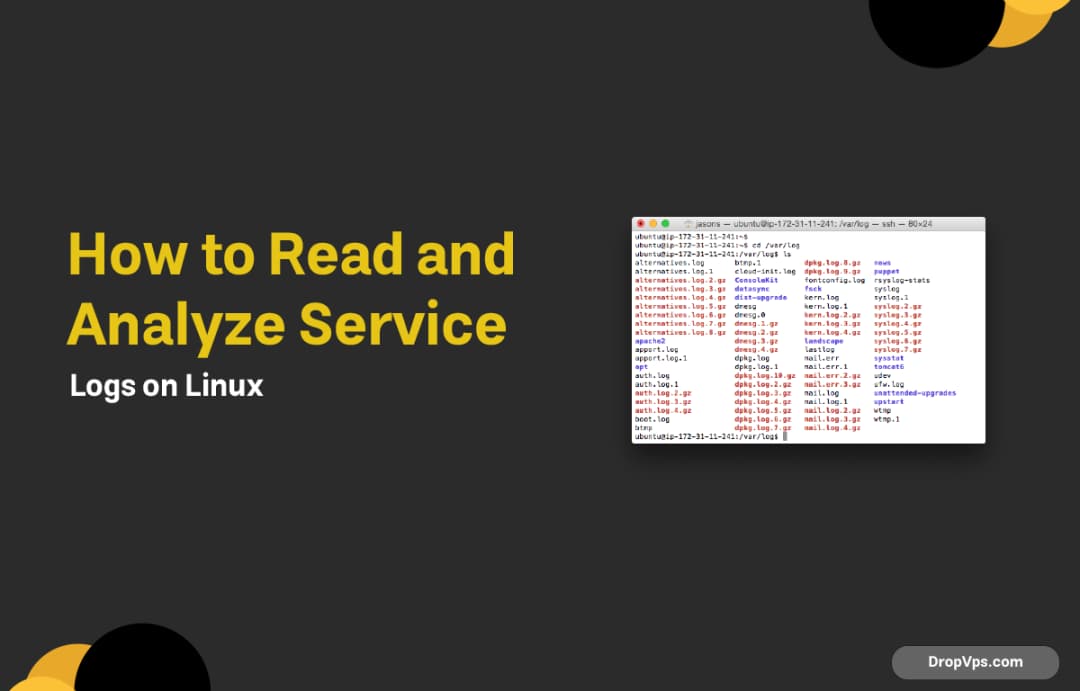
How to Read and Analyze Service Logs on Linux
Service logs are the fastest way to understand why an application fails, crashes, or behaves unexpectedly on a Linux VPS.
How to Restart, Stop, and Debug Services with systemctl
systemctl is the main tool for managing services on modern Linux servers. It allows you to control services, check their status, and debug failures without rebooting the VPS.

Change Default Ports for Common Services (SSH, Nginx, MySQL)
Changing default service ports reduces automated attacks and avoids conflicts when running multiple services on a VPS.
Run Multiple Services on the Same Port Using a Reverse Proxy
A reverse proxy allows multiple services to share the same port by routing incoming requests based on domain or path. This is commonly used with web apps, APIs, and Docker containers on a VPS.
How to Fix Port Already in Use Error on Linux
The port already in use error happens when another process is already listening on the same port. This commonly affects web servers, Docker containers, and application services on a VPS.